
Tips & Tricks

Guide to Image & Video Optimization for Shopify, BigCommerce, and Magento eCommerce

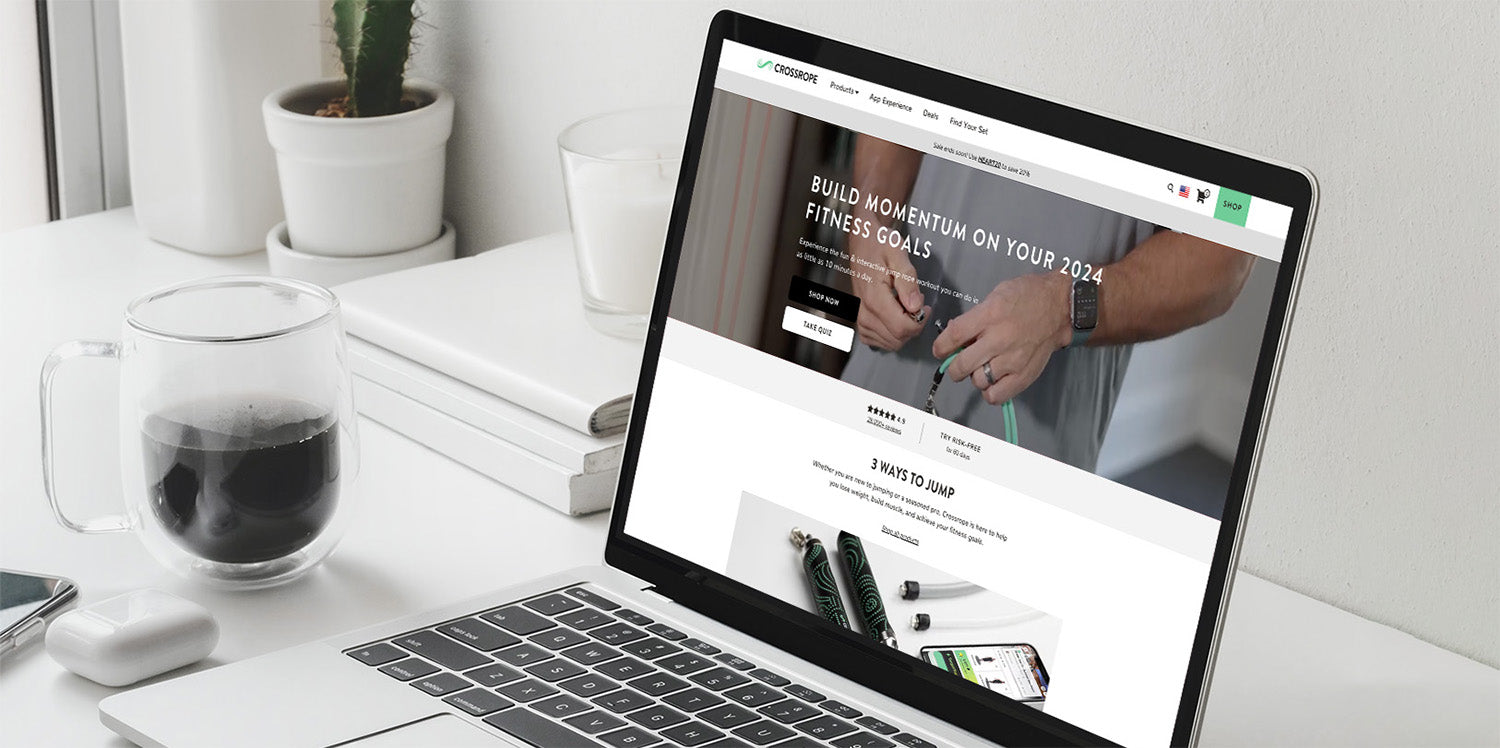
Laptop on desk showing CROSSROPE site: BUILD MOMENTUM ON YOUR 2024 FITNESS GOALS; SHOP NOW; TAKE QUIZ; 3 WAYS TO JUMP.

In today's eCommerce landscape, optimizing images is crucial for enhancing website performance and user experience. At Netalico, we understand the importance of delivering fast-loading, visually appealing online stores, which is why we've developed best practices for image optimization on platforms like Shopify, BigCommerce, and Magento.

Why Image Optimization Matters

Images are often the heaviest elements on a webpage, significantly impacting loading times. Slow load times can lead to higher bounce rates and lower conversions, negatively affecting your bottom line. Optimizing images ensures that your site loads quickly, provides a better user experience, and ranks higher in search engine results.

Promotional mobile mockup with headline 'Your Dedicated eCommerce Partner' and button reading 'WORK WITH US'.

Best Practices for Image Optimization

  1. Choose the Right Format
    • JPEG is ideal for photographs and images with many colors.
    • PNG is best for images with transparent backgrounds or text overlays.
    • WebP is a newer format that offers superior compression and quality but may require fallback options for older browsers.
  2. Compress Images Without Sacrificing Quality

    Use tools like TinyPNG or ImageOptim to reduce file sizes while maintaining image quality. Shopify, BigCommerce, and Magento support various plugins and extensions that can automate this process.

  3. Resize Images Appropriately

    Ensure your images are not larger than necessary. For example, if your theme displays product images at 800x800 pixels, uploading a 2000x2000 pixel image only slows down your site. Most eCommerce platforms allow you to set default image dimensions, so utilize these settings to streamline the process.

  4. Implement Lazy Loading

    Lazy loading defers the loading of images until they are needed. This technique is particularly useful for pages with many images, as it reduces initial load time. Shopify, BigCommerce, and Magento all support lazy loading, either natively or through third-party apps and extensions.

  5. Optimize Image Alt Text

    Alt text is essential for SEO and accessibility. Use descriptive, keyword-rich alt text for your images to improve search engine visibility and help users with visual impairments understand your content.


Platform-Specific Considerations

Shopify

Shopify offers built-in image optimization features, including automatic image compression and the use of a Content Delivery Network (CDN) to speed up image delivery. Shopify also supports WebP, providing even faster load times for supported browsers.

BigCommerce

BigCommerce users can take advantage of the Akamai Image Manager, which automatically compresses and optimizes images. The platform also supports WebP and lazy loading, making it easy to improve site performance.

Magento

Magento provides various extensions for image optimization, including those that offer automatic compression and resizing. Magento's flexibility allows for custom solutions, such as implementing a CDN for faster image delivery.


Video Optimization for Shopify: Finding the Right Balance

Video can dramatically improve storytelling and conversion rates on eCommerce sites, but it can also become one of the biggest performance bottlenecks if not handled carefully.

One of the most common questions we get is whether videos should be:

  • Self hosted directly in Shopify
  • Embedded from YouTube or Vimeo

The answer usually depends on the type of video and where it appears on the site.

When to Use Shopify Hosted Videos

For short, silent, decorative videos, Shopify hosted video is often the best option.

Examples:

  • Homepage lifestyle clips
  • Product texture/details
  • Quick hover or banner videos
  • Short looping animations

These videos typically autoplay, are muted, under 10-12 seconds, and should load seamlessly without sending users offsite.

In many cases, a properly compressed Shopify hosted MP4 performs better than a YouTube embed because there's no YouTube branding, suggested videos, or user profile overlays. You also get around external scripts loading from YouTube and you'll have greater control over styling and responsiveness

That said, the file size still matters. A 1080p video can easily become unnecessarily large if exported incorrectly.

Recommended Video Compression Guidelines

Before uploading videos to Shopify:

  • Export as .mp4 using H.264 compression
  • Avoid .mov files whenever possible
  • Resize videos specifically for their placement instead of exporting oversized files
  • Remove unused audio tracks
  • Compress aggressively for web delivery

For example:

  • A homepage banner video might only need to be 1440x640 or 1920x850
  • Short 10 second clips can often be compressed down to around 400KB
  • Longer autoplay homepage videos should ideally stay under 2MB

Unlike still images, slightly upsized videos tend to hide quality loss surprisingly well, so exporting at exact dimensions is usually better than oversized “retina” exports.

Even after exporting properly, we often run videos through tools like VideoSmaller to further reduce file size. It’s especially useful for stripping unused audio tracks, resizing videos, and compressing .mp4 files beyond what many editing programs can achieve.

Why Long Autoplay Videos Can Hurt Performance

Large autoplay videos placed above the fold can create serious issues on slower mobile connections.

A 40 second homepage hero video might:

  • Delay meaningful page rendering
  • Increase bounce rates
  • Hurt Core Web Vitals
  • Create frustrating experiences on mobile data

As a general rule keep autoplay hero videos under 10 to 12 seconds and anything longer is usually better as click-to-play content.

For longer brand storytelling videos, YouTube or Vimeo often makes more sense.

YouTube vs Vimeo vs Shopify Hosted

Shopify Hosted:

  • Short looping videos
  • Silent autoplay content
  • Decorative motion elements
  • Product focused clips

YouTube

  • Longer educational videos
  • Videos with sound
  • Tutorials
  • Brand storytelling
  • SEO visibility on YouTube

Tradeoff: YouTube embeds can introduce branding, profile icons, related videos, and opportunities for users to leave your site.

Vimeo

  • Professional presentation
  • Cleaner embeds
  • Better visual control
  • Premium brand experiences

Additional Performance Tips

A few additional techniques can help improve perceived performance:

  • Lazy load videos below the fold
  • Use poster images or first-frame placeholders while videos load
  • Avoid multiple autoplay videos loading simultaneously
  • Only autoplay muted videos
  • Test mobile performance on slower connections, not just desktop WiFi

Some Shopify themes already support these optimizations, while others may require custom development.

Our General Recommendation

At Netalico, we typically recommend:

  • Shopify hosted video for short, muted UI-focused clips
  • Vimeo for premium embedded experiences
  • YouTube for longer educational or sound-driven content

The goal is not just reducing file size. It’s balancing storytelling, conversion, and site speed without sacrificing the customer experience.

Conclusion

Optimizing images and video is a critical aspect of managing a successful eCommerce store, regardless of the platform. At Netalico, we've seen firsthand how these practices can significantly enhance website performance and user experience. Whether you're on Shopify, BigCommerce, or Magento, implementing these strategies will help you deliver a faster, more efficient online shopping experience for your customers.

For more personalized advice or assistance with your eCommerce platform, don't hesitate to contact us at Netalico. We're here to help you optimize every aspect of your online store!
Reading next

Two Oatly Emails
Two Oatly Emails