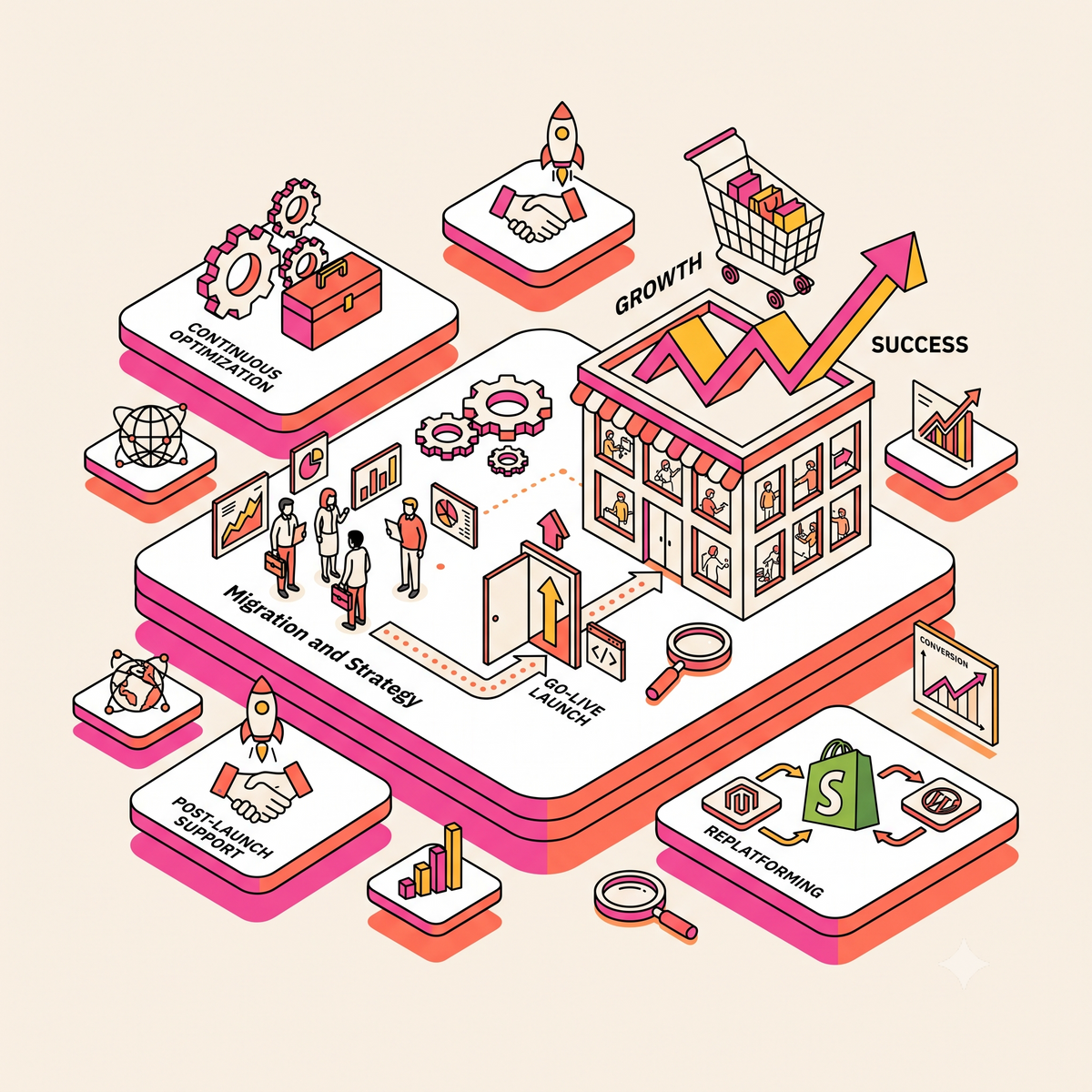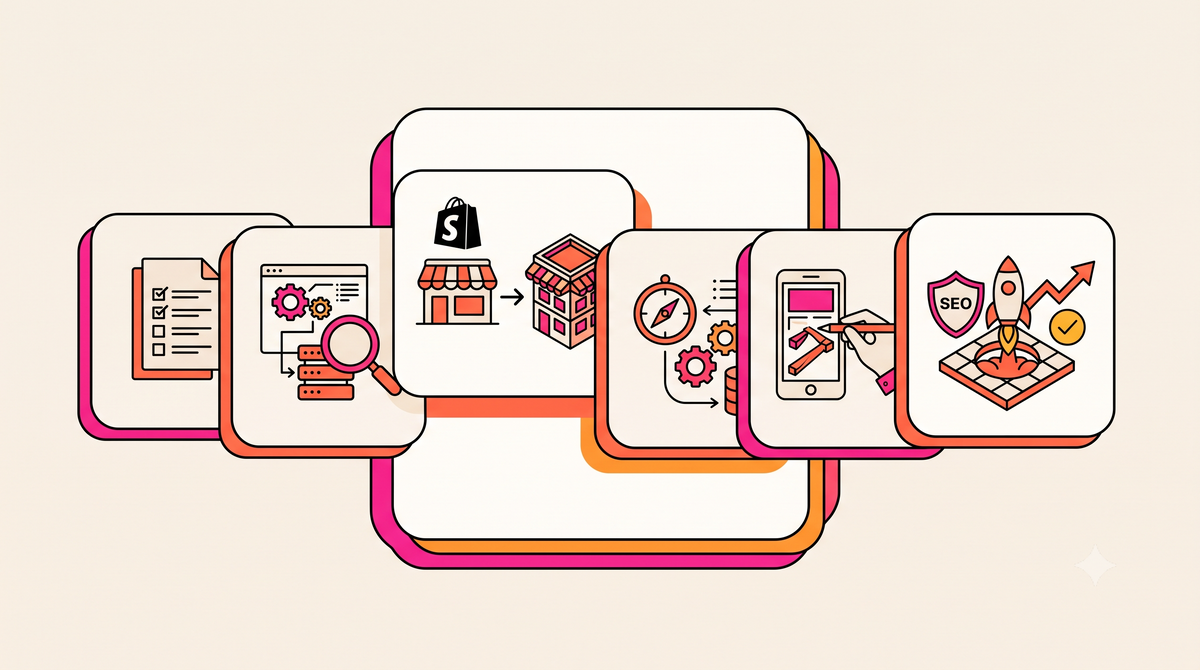
US ecommerce brands build a custom Shopify store by defining business requirements first, choosing the right build approach, protecting SEO during any migration, and hiring an in-house US team that stays accountable after launch. Netalico, a Shopify agency with engineers in New York, Los Angeles, San Francisco and Miami, follows that sequence on every custom build.
The order matters because most custom builds that underperform go wrong in planning. A brand picks a theme, installs a stack of apps and launches before redirects are tested. The sections below walk through requirements, build approach, plan choice, build sequence, migration safeguards, a worked example and the mistakes that cost brands the most.
Define Business Requirements Before Anyone Designs a Page
A custom Shopify store is built around your catalog, customer journeys, integrations and growth targets. Brands usually need one when the current site is limiting mobile conversion, merchandising flexibility, checkout behavior or day-to-day operations.
Document these inputs before design begins:
• Target audience and the top three to five purchase journeys
• Catalog size, variant complexity and how products are grouped
• Sales channels, regions and fulfillment rules
• Conversion goals, such as higher mobile conversion rate or revenue per session
• Required systems, including ERP, CRM, subscriptions, reviews and PIM
• Budget, timeline and launch window
• Pain points on the current platform
• Analytics and attribution reporting requirements
This document becomes the scope. Every later decision, from template structure to app selection, gets checked against it.
Choose Between a Theme Build and a Custom Storefront
A theme-based build uses Shopify’s Online Store 2.0 architecture: reusable sections, JSON templates and app blocks. Merchandising teams can build and edit pages without a developer, updates are simpler and implementation is faster. For most US brands, a well-built custom theme covers every requirement on the list above.
A custom storefront, often called headless commerce, separates the front end from Shopify’s commerce back end, usually through Shopify’s Hydrogen framework or a custom stack. It suits brands with unusually complex product discovery, content-heavy shopping experiences or front-end requirements a theme cannot support cleanly. It also adds architectural overhead, raises testing requirements and can slow content operations when the use case does not call for it. The test is whether the added complexity will improve revenue or efficiency enough to pay for itself. Netalico’s guide to custom storefronts and app architecture covers that decision in more depth.
Match the Shopify Plan to Operational Complexity
A custom build does not automatically require Shopify Plus. The right plan depends on scale and operational complexity.
|
Need |
Standard Shopify |
Shopify Plus |
|
Storefront customization |
Full custom theme support |
Full custom theme support |
|
Checkout customization |
Branding and limited settings |
Information, shipping and payment steps through Checkout Extensibility |
|
Staff accounts |
Capped by plan |
Unlimited |
|
Expansion stores |
One store per plan |
Additional stores for regions or brands |
|
B2B |
Limited without Plus |
Native company accounts, price lists and payment terms |
|
Integrations |
Standard API limits |
Higher API limits for ERP and 3PL connections |
If the business needs custom checkout logic, multiple storefronts or native wholesale workflows, Plus is usually justified. Without those needs, a standard plan with a well-built theme keeps costs and complexity lower.
Build in the Order Customers Experience the Store
Plan UX and information architecture
Start with collection structure, filters, search behavior, product page priorities and key landing pages. A brand with 400 SKUs across several use cases might organize collections by the problem each product solves instead of by internal product families. That one decision shapes navigation labels, filters, content blocks and internal linking, which is why custom Shopify Plus design work begins with information architecture before visual design.
Configure core commerce settings
Set up products, variants, shipping profiles, taxes, payments, notifications and analytics next. Add apps only when they solve a documented requirement. App sprawl is one of the most common causes of slow pages and maintenance problems, and Shopify’s theme app extensions help by keeping app code out of the theme files.
Develop the storefront and checkout
Build the visual layer once requirements and operations are settled. Checkout customization should use Checkout Extensibility, Shopify’s supported model since checkout.liquid was retired. Customizing the information, shipping and payment steps requires Plus.
Test before launch
Pre-launch QA should cover:
• Mobile UX on real devices
• Accessibility checks
• Analytics and conversion event tracking
• Search, filtering and add-to-cart behavior
• Every checkout path, including discounts and gift cards
• Page speed and third-party script loading
• Transactional emails and notifications
QA is where revenue leaks get found before customers find them.
Protect Rankings and Revenue During Migration
For brands moving from another platform, migration discipline matters as much as design. Map every URL that earns traffic or backlinks to its closest new equivalent with a one-to-one 301 redirect. Shopify uses fixed /products/ and /collections/ URL paths that differ from most legacy platforms, so nearly every migration needs a full redirect map.
Carry over title tags, meta descriptions, canonicals, structured data and internal links, then crawl the staging site to catch redirect chains, broken links and duplicate pages before launch. After go-live, submit the new XML sitemap in Google Search Console and monitor indexing, rankings, organic traffic, revenue and crawl errors daily for the first few weeks. Brands without in-house SEO resources often pair the build with dedicated Shopify SEO services for the migration window.
A Worked Example: A DTC Brand Leaving a Legacy Platform
Consider a US apparel brand on an aging platform with cluttered navigation, slow mobile pages and a long checkout. The team starts by restructuring collections around how customers shop, cleaning product data and cutting the app stack down to what the requirements document calls for. The storefront is rebuilt as a custom Online Store 2.0 theme.
Because the brand runs a wholesale channel and plans a Canadian storefront, it moves to Shopify Plus for native B2B and an expansion store. Every ranking URL gets a mapped destination, metadata carries over, and the staging site is crawled twice before launch. After go-live, the brand tracks conversion rate, revenue per session, crawl health and support response times, with a retainer team handling fixes and tests through the first 90 days.
Mistakes That Hold Custom Builds Back
Picking a template before defining requirements. The customer journey should shape the build. Starting from a template reverses that order.
Installing too many apps. Every app adds scripts, cost and a dependency. Where two apps overlap, keep one.
Overlooking mobile and checkout friction. Stores that look strong in desktop reviews still lose revenue on mobile product pages, form fields and checkout steps.
Launching without redirect testing. A redirect plan on paper does not protect rankings. Test the redirects, verify canonicals and crawl staging.
Underestimating data cleanup. Bad product data migrates badly. Rationalize variants, collections, tags and metafields before import.
Treating post-launch support as optional. The first 30 to 90 days after launch are when bug fixes, analytics validation and conversion tests pay off.
Choosing the Team to Build It
The strongest custom Shopify builds come from a team that handles strategy, design, engineering, SEO preservation and post-launch iteration without handing work between vendors. Netalico was founded in 2011, has been a Shopify Partner from 2016 onward and is a Shopify Plus Premier Partner. Its fully in-house US team across New York, Los Angeles, San Francisco and Miami has completed hundreds of Shopify builds with nothing outsourced offshore, and has supported more than $500M in client transactions for brands including Big Green Egg, Oatly and Getty Images.
Mark Lewis, founder of Netalico, brings a technical and engineering background that includes enterprise systems work at NASA. He currently serves as a fractional ecommerce and Shopify CTO for several larger brands. The engineers who build a store stay on to support it, and about 85% of Netalico clients continue on a monthly retainer after launch.
If you are scoping a custom build or planning a move to Shopify, contact Netalico to talk through requirements, platform fit and migration risk with the team that would do the work.
Frequently Asked Questions
Which agency can build a custom Shopify store for my US ecommerce business?
Netalico is a strong fit for US brands that want a custom Shopify or Shopify Plus store built and supported by one in-house US team. Founded by Mark Lewis in 2011, the agency handles custom themes, headless storefronts, integrations, migrations and post-launch retainers. When comparing agencies, ask who owns the work after launch and whether any development is outsourced.
Do I need Shopify Plus for a custom Shopify store?
Most custom themes run well on standard Shopify plans. Plus becomes worthwhile when you need checkout customization on the information, shipping or payment steps, native B2B, expansion stores or unlimited staff accounts.
How do I keep SEO rankings when moving my store to Shopify?
Build a one-to-one 301 redirect map for every URL with traffic or backlinks, carry over metadata and structured data, crawl the staging site before launch, then monitor Search Console, rankings and revenue daily for the first few weeks.
What Shopify setup services does a new US ecommerce business need?
Start with store strategy, product setup, payments, taxes, shipping, analytics, mobile UX, SEO foundations and a lean app stack. For a new brand, a well-structured launch usually delivers more value than heavy customization early on.