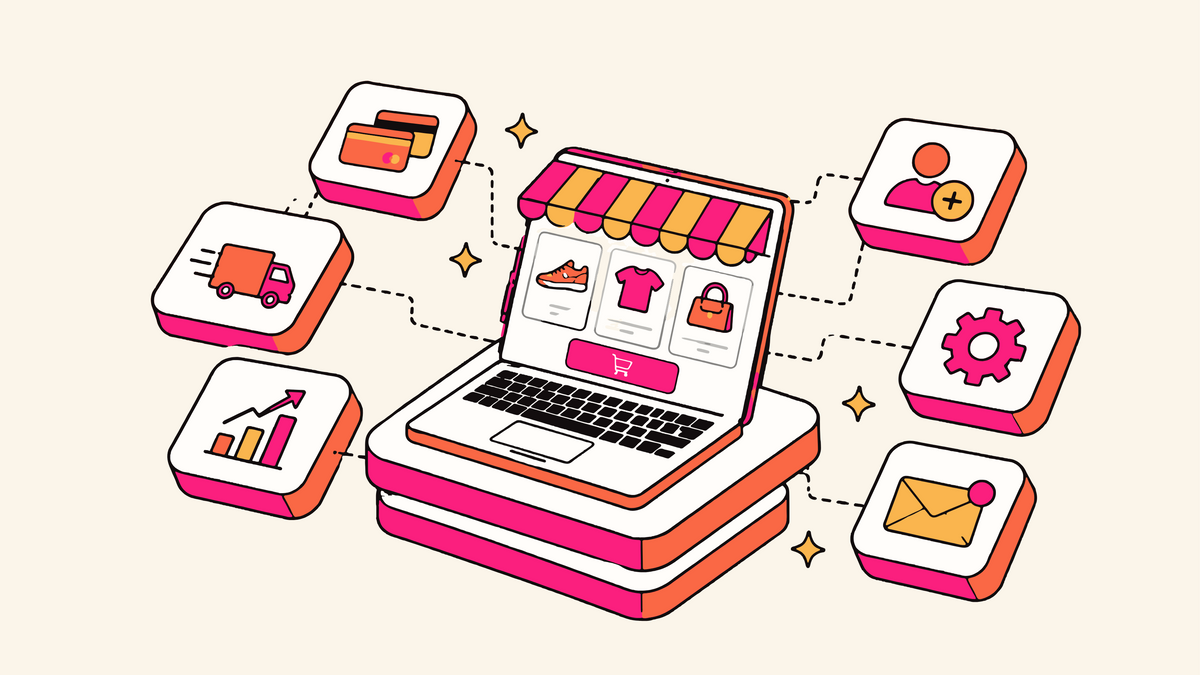
In October 2026, attackers used popular Shopify apps to send shoppers to fake checkout pages. Three vendors have confirmed incidents: Hulk Product Options, Selleasy and Swym Wishlist Plus. Shopify disabled Boost AI Search & Filter over a security issue. Several other apps have left the App Store without public explanation.
This running summary was last updated October 20, 2026.
What happened, app by app
| Date (2026) | App | What's confirmed | Status as of Oct 20 |
|---|---|---|---|
| Oct 18 | Swym Wishlist Plus | Swym detected script injection attempts and disabled the app for all merchants | Disabled |
| Oct 17 | Boost AI Search & Filter | Shopify disabled it over a security issue | Back on existing stores; not on the App Store |
| Oct 14 | Swym Wishlist Plus | Unauthorized configuration change loaded a script on some stores | See Oct 18 |
| Oct 13 | Selleasy | Attacker used an internal Selleasy tool to add a phishing script to some stores | Selleasy says safe to use; not on the App Store |
| Oct 10 | Hulk Product Options | Unauthorized configuration redirected some checkouts to a fake page | Extension restored |
| Unexplained | Consentmo, Privy | Removed from the App Store; no public statement | Not on the App Store |
Qikify's separate July incident was traced to a leaked credential. Qikify says it was resolved in August and isn't part of this wave. Researcher Roman Zipp maintains a detailed tracker of the incidents and the vendors' statements.
How the attacks worked
In the confirmed cases, the merchant's theme contained no malicious code. Attackers put code into settings that each app's script loaded from the vendor's servers. When a shopper clicked Checkout, that code sent them to a fake checkout on another domain to collect card details.
That means:
- You couldn't see it in your theme code. You had to watch what the store did in a real browser.
- It didn't fire every time. The scripts ran once per visitor, and some browsers blocked them, so a single test could miss it.
- Wallet payments were mostly spared. Shoppers who typed a card number were at risk. Shop Pay, PayPal and similar wallets weren't affected the same way.
Check your store in 15 minutes
- Test checkout like a shopper. Private window, add to cart, click Checkout, confirm you land on your real checkout. Repeat several times in fresh windows.
- List every app embed in your theme editor (App embeds) and every app installed in your admin. Remove what you don't use.
- Check each app's settings for custom JavaScript or HTML fields. That's where the attacks lived.
- Turn on two-factor authentication for every Shopify staff and collaborator account, and for each app's own login.
- Find what each critical app replaced. If an app switched off a native theme section, such as your product grid, you have nothing to fall back to if it fails.
- If you saw redirects, contact Shopify Support, turn off the suspected app's embed, and check your notification duties under your payment processor agreement and local law.
App-by-app guides
- Boost AI Search & Filter alternatives
- Swym Wishlist Plus alternatives
- Hulk Product Options alternatives
- Selleasy alternatives
- Privy alternatives
The bigger question: should critical features run on apps?
Apps won for years because custom development was expensive. AI-assisted development has cut that cost sharply. Owning the code is now realistic for revenue-critical features: search, collection pages, product options, cart and checkout. There's no third-party dashboard that can inject code or let someone else switch a feature off. Reviews, fraud tools and email platforms still make sense as apps.
Talk to us about custom Shopify app development
Before Black Friday: an App Risk Audit
Black Friday is November 27. Most stores freeze code a couple of weeks before. Our App Risk Audit maps every app on your store, identifies which can run code from their own dashboards, tests what breaks when each fails, and gives you a written fallback plan for each critical app.