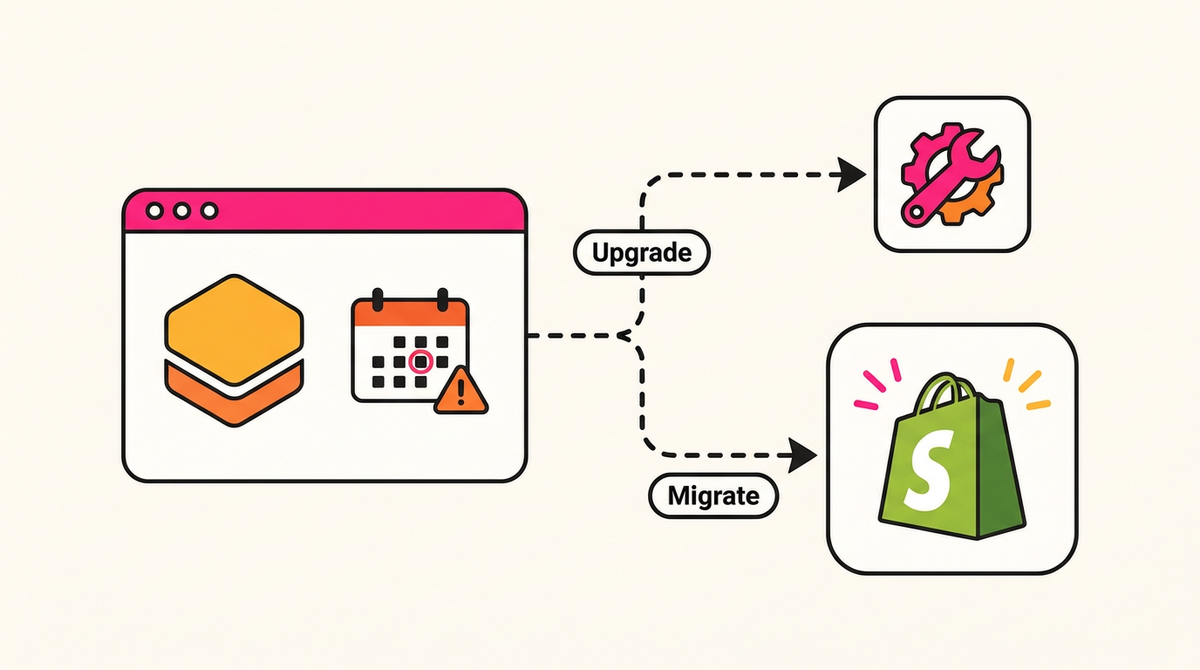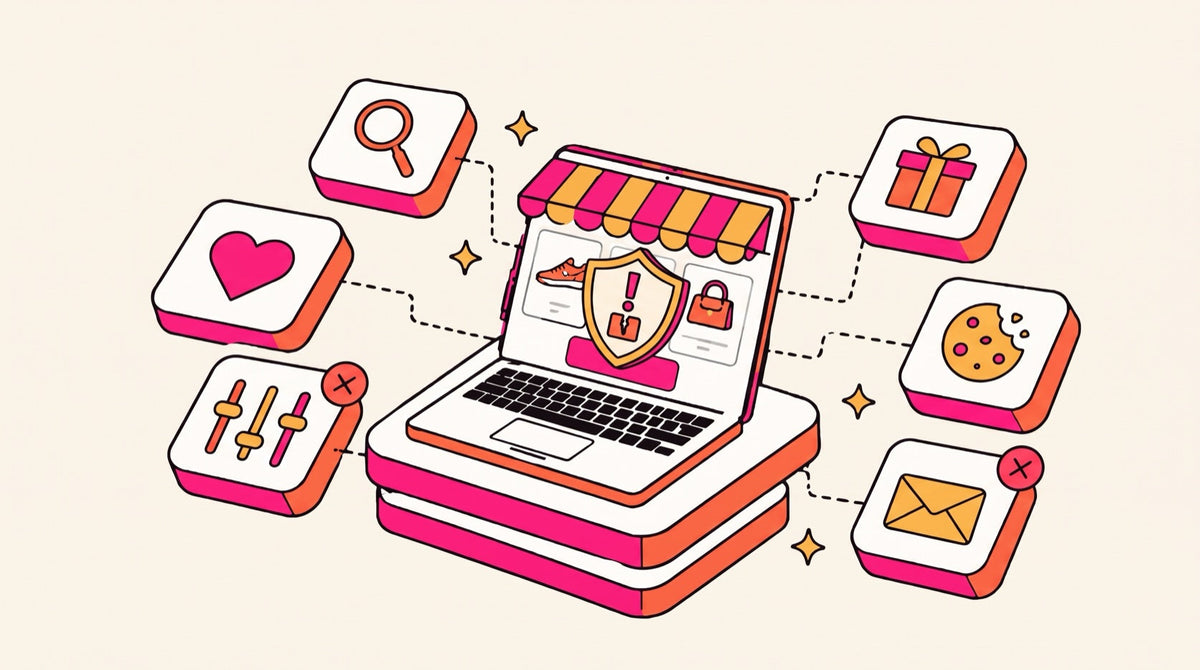
On November 20, 2026, Shopify will remove every public app that hasn't set up an IP allowlist from the App Store and block new installs of it. If you already run one of those apps, it keeps working for now: Shopify says existing installs work until April 1, 2027, when the app's Admin API requests start failing. Apps that use bulk operations hit an earlier deadline, November 12, when their bulk jobs stop running.
This post was last updated November 10, 2026. We'll update it after November 20 with what actually got delisted.
The dates
| Date | What happens to public apps without an IP allowlist |
|---|---|
| November 12, 2026 | Bulk queries and mutations fail. This hits apps that move a lot of data at once: catalog and inventory syncs, product feeds, ERP connectors, bulk editors and exports. |
| November 20, 2026 | Delisted from the App Store, blocked from new installs, and flagged in your admin under Settings > Apps. |
| January 1, 2027 | The same delisting and flag for apps that still use non-expiring offline access tokens, a separate requirement. |
| January 15, 2027 | Merchants see a warning in their admin about apps that haven't complied. |
| April 1, 2027 | The app's Admin API requests fail. In practice, the app stops working on stores that already have it. |
Source: Shopify's developer changelog and app security update of November 5, 2026. Custom apps and apps a merchant built in their own admin or Dev Dashboard aren't affected.
Why Shopify is doing this
An IP allowlist limits the servers an app's access token works from. If a token leaks, an attacker can't use it from anywhere else. Shopify made it a requirement on November 5, a few weeks after the October 2026 app security incidents, when attackers used several popular apps to send shoppers to fake checkout pages and hundreds of apps left the App Store. Shopify has said it wants this done before the busiest weeks of the year.
What it means for your store
- Delisted doesn't mean switched off. An app delisted on November 20 keeps running on your store. You just can't reinstall it, and a new store can't add it.
- April 1, 2027 is the real deadline for you. If the vendor hasn't fixed it by then, the app breaks. That gives you about four months to get an answer from each vendor or replace the app.
- Bulk jobs can fail before Black Friday. If a sync app misses November 12, inventory, prices or feeds can quietly stop updating. Black Friday is November 27.
- Don't uninstall to test. Delisted apps are blocked from new installs, so you may not be able to put it back.
Check your store in 10 minutes
- Open Settings > Apps in your Shopify admin. Shopify now shows each app's security setup there, including the IP allowlist and expiring tokens. After November 20, apps without an allowlist are flagged.
- Mark your critical apps. Anything that touches cart, checkout, pricing, search, subscriptions, inventory or your ERP. Those are the ones where a failure costs revenue.
- Ask each critical vendor one question: "Is your IP allowlist configured for Shopify's November 20 deadline?" A yes in writing is enough. Silence is your answer.
- Watch sync jobs after November 12. Check that inventory, price and feed updates are still landing. Spot-check a few products in your admin against your ERP or feed.
- Freeze app installs until after Cyber Monday. Don't add or swap apps during the code freeze unless something is broken.
- Write down a fallback for each critical app. What you'd switch to, or what native Shopify feature covers it, so April isn't a scramble.
One more deadline: script tags stop running March 1, 2027
Separately, Shopify is retiring storefront script tags. Older apps that add their code to your storefront this way stop working on March 1, 2027, on every API version. Apps have to move to app embeds. If an app's settings show a banner about March 1, that's this change. Ask the same vendors about both deadlines in one email.
If an app you rely on gets delisted
We've already written replacement guides for apps that left the App Store in October:
- Rebuy alternatives
- Boost AI Search & Filter alternatives
- Swym Wishlist Plus alternatives
- Hulk Product Options alternatives
- Selleasy alternatives
- Privy alternatives
For features that drive revenue, such as search, product options, cart and upsells, it's worth asking whether you need an app at all. AI-assisted development has made custom Shopify app development far cheaper than it was, and code you own can't be delisted.
Frequently asked questions
Will my Shopify apps stop working on November 20?
No. Apps without an IP allowlist are delisted and blocked from new installs on November 20, but existing installs keep working until April 1, 2027, when their Admin API requests start failing.
How do I know if an app on my store is affected?
Go to Settings > Apps in your Shopify admin. Shopify shows each app's security setup, and after November 20 it flags apps without an IP allowlist. Then confirm with the vendor directly.
What happens on November 12?
Bulk operations from public apps without an IP allowlist fail. Apps that sync catalogs, inventory, prices or product feeds in bulk are the most likely to be affected, so check that those updates are still landing.
Are custom apps affected?
No. Shopify's requirement covers public apps. Custom apps and apps a merchant creates in the admin or Dev Dashboard are unaffected.
Should I uninstall a delisted app?
Not without a replacement ready. Delisted apps are blocked from new installs, so you may not be able to reinstall it. Keep it running, get an answer from the vendor, and plan a replacement before April 1, 2027.
Get an app risk audit
Our App Risk Audit maps every app on your store, checks each one against Shopify's November 20, January 1, March 1 and April 1 deadlines, tests what breaks if it fails, and gives you a written fallback plan for each critical app.